Start here · Beginner’s guide
Arctic Drive beginner's guide: survive the first run
A source-checked first-run plan for Arctic Drive: repair the car, manage heat and fuel, read the road, and avoid the mistakes that end a run early.
 WP 01
Waypoints / 8 sections
Your first Arctic Drive run is not a tutorial in the usual sense. The game gives you a cold cabin, a car with parts lying around it and a road that leads away from the only shelter you have. Everything else is a judgement call.
This guide is built from the official Steam description, the publisher press kit, demo patch notes and developer screenshots. It is a preparation guide, not a hands-on review: the game is still pre-launch, so we separate what is confirmed from what will need testing after November 25.
What the first run asks of you
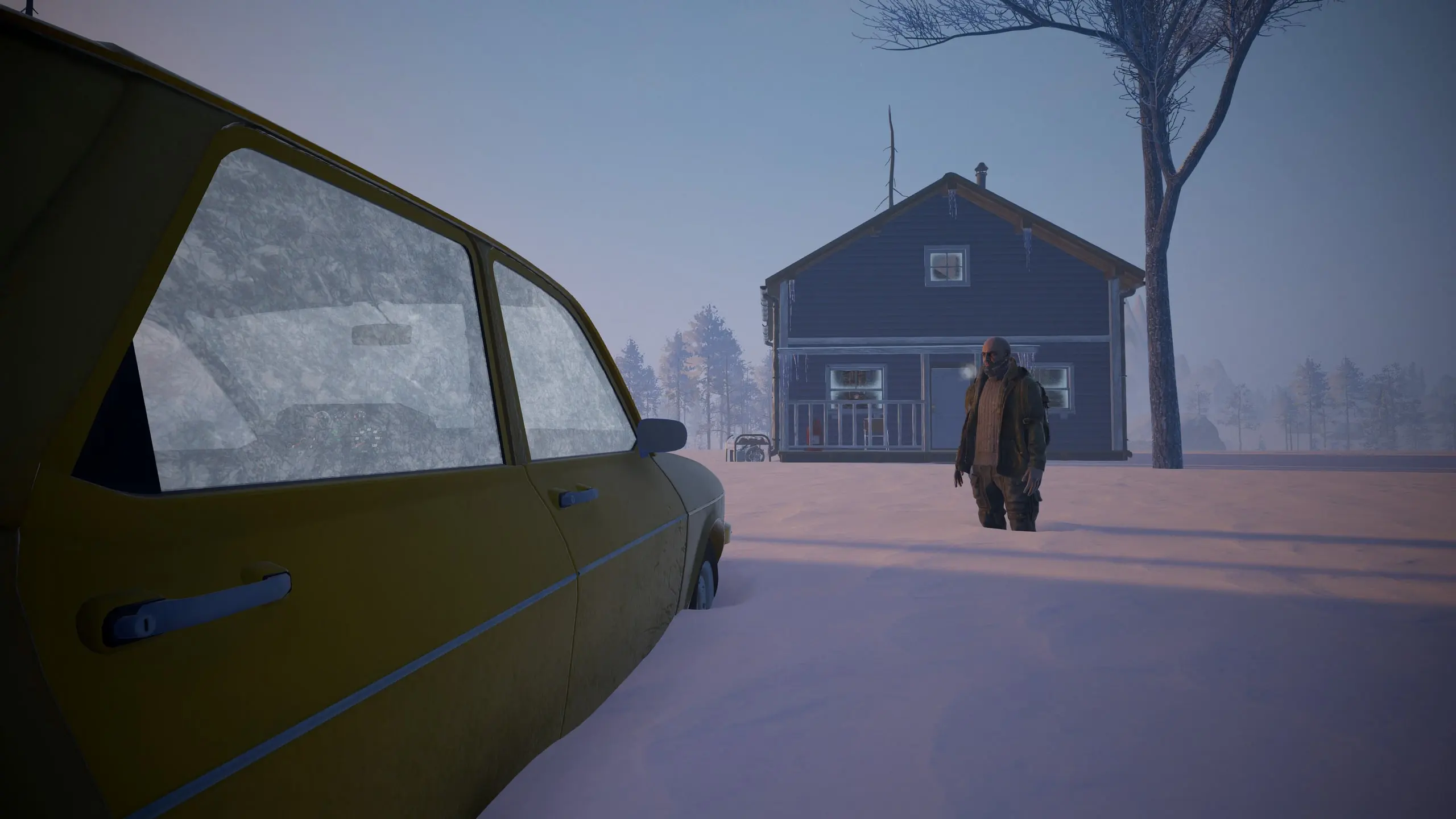
The official opening is deliberately lean: no food, a half-empty can of soda in the fridge, a beaten-up car in the garage and parts scattered around it. You are not choosing a class or picking a starter build. You are triaging a machine and a body at the same time.
That creates three parallel problems:
- The machine: the car needs to start, steer, stop and stay cool. A missing battery, a dry radiator or a bad tire can turn a simple road into a recovery operation.
- The body: hunger, thirst and body temperature keep running while you work. Cold is not a background effect; it is a clock.
- The route: the world is procedurally generated, points of interest are randomized, and the store page explicitly frames the trip as a long road with no map. You cannot memorise a route from a guide.
The good news is that the first run does not require perfect play. It requires margin: enough fuel to turn around, enough food to stop working before you freeze, and enough car left to reach the next shelter.
The first 30 minutes: a practical sequence
Treat this as an ordered checklist, not a speedrun. The exact UI and starting loot can change before launch; the logic should survive a balance pass.
- Get dressed and check your body. The demo’s opening objective is “Get dressed.” Official screenshots show a body-temperature readout in the HUD. Before you touch the car, make sure you are not already losing the cold war.
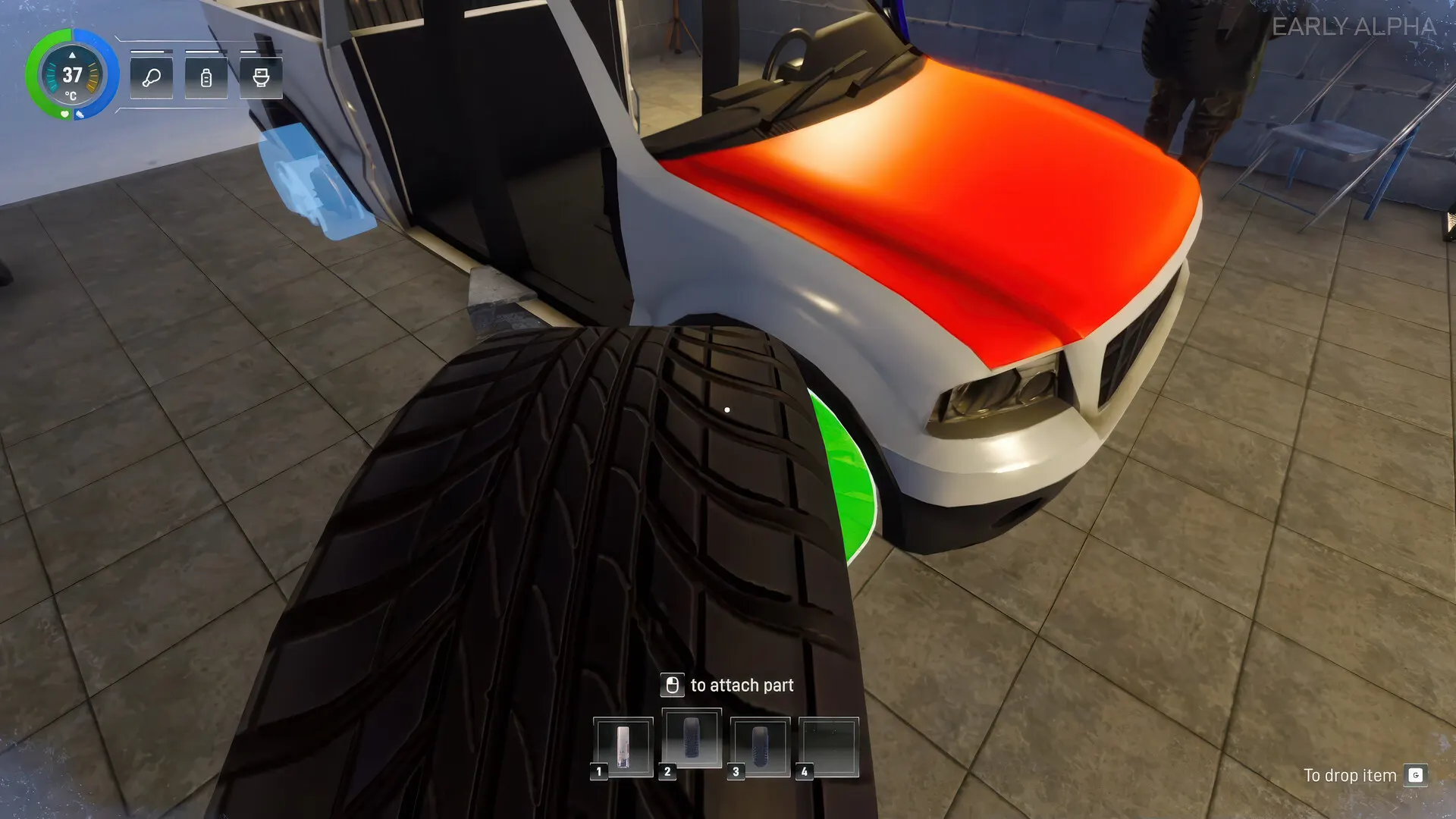
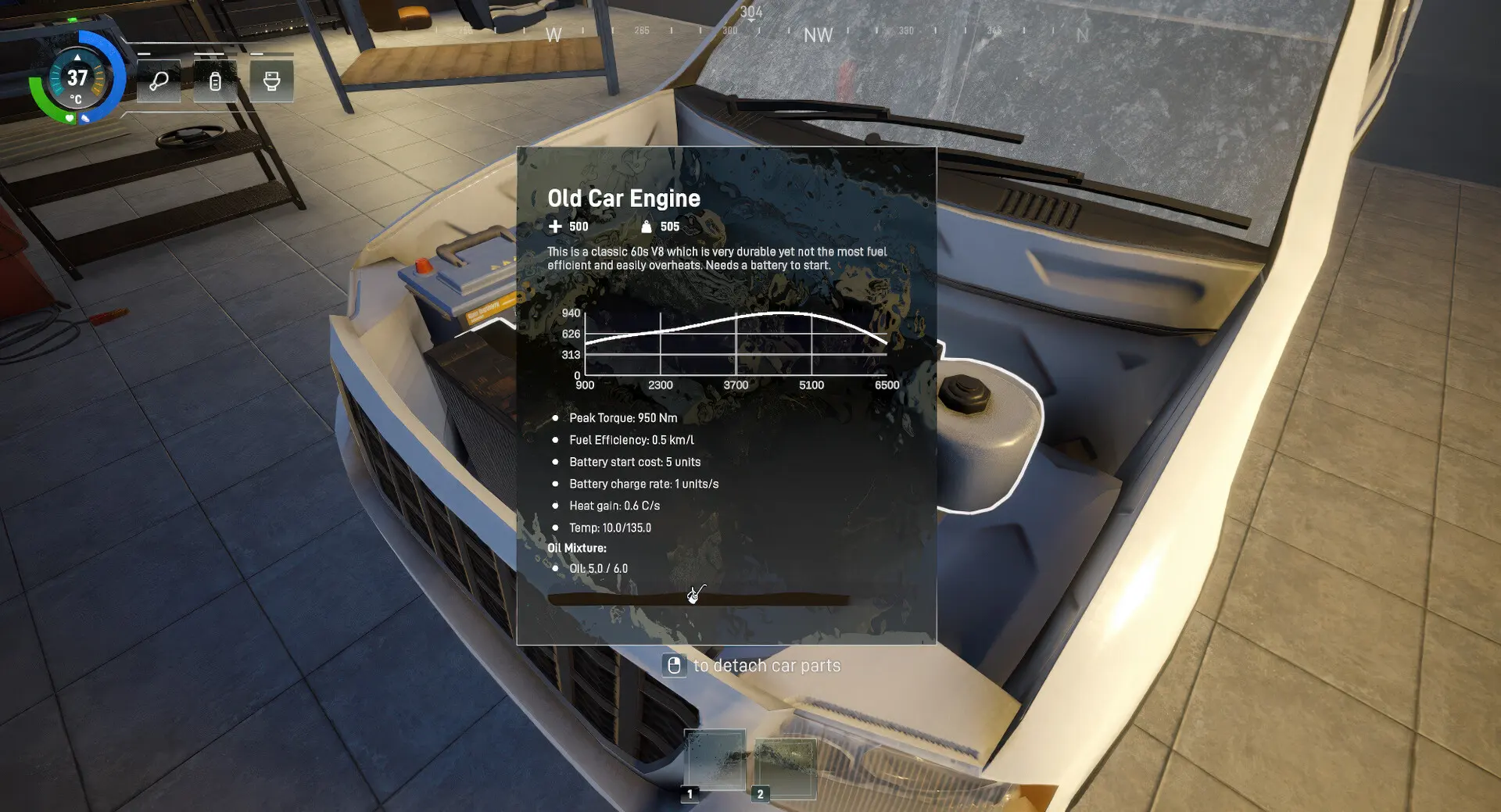
- Walk the garage before you lift anything. Find the parts that belong to the car, the battery, the radiator and the tires. The Old Car Engine tooltip explicitly says it needs a battery to start. Look for a repair kit and a light source while you are there.
- Strip the cabin and garage for consumables. Food, water, fuel, oil, batteries and tools matter more than decorative loot on the first leg. The closed-beta update says starting loot is adjusted by player count, so a solo run and a four-player run do not start with the same supply pool.
- Assemble, then inspect. Attach the missing parts and open the engine panel. The panel tracks peak torque, fuel efficiency, battery start cost, charge rate, heat gain, temperature range and oil mixture. You do not need to memorise the numbers; you need to notice which one is wrong.
- Start the engine and listen to the gauges. A radiator with no water now produces a warning while driving. If the engine is overheating, do not “just drive to the next stop” and hope. Fix the cooling problem while you still have shelter.
- Load only what the first leg needs. Every object is physical. Weight slows the car and burns more fuel, and a tight turn can spread the haul across the snow. Keep the essentials accessible and leave room for what you find.
- Plan a first leg with a return option. A September 2026 playtest raised the maximum travel distance from 15 km to 25 km. That is a playtest number, not a promise for launch, but it shows the scale: short runs, not a cross-country marathon.
- Drive below the limit of your brakes. Right-click zoom is confirmed while driving or riding as a passenger, and the third-person camera helps you judge a trailer. Use both. A crash deforms the chassis and parts; the repair bill is paid in time, fuel and supplies.
Fuel, weight and the 25 km run
Fuel is the clearest source of pressure in the official copy: “The Arctic will not kill you, but your fuel gauge will.” The July 2026 patch added craftable 20-liter jerrycans, and a later patch made the jerrycan fit in the trunk. That gives you a practical unit of planning: one can is a reserve, not a second tank.
Weight is the hidden multiplier. The press kit says cargo weight slows the vehicle and burns fuel faster. The closed-beta update added weight values to all vehicle parts, which means a heavier engine or a full trailer is a real trade-off rather than a cosmetic choice. Load for the next stop, not for an imagined apocalypse fortress.
We deliberately do not publish a universal fuel-consumption figure. Engine stats have been rebalanced repeatedly, and official screenshots from different builds show different values. Use the in-game panel, then use our fuel range planner with your own numbers and a reserve you are willing to trust.
Cold, hunger and thirst: the clock you cannot park
The survival systems are confirmed but not fully documented. The official feature list names hunger, thirst and body temperature. The closed beta added a player damage system, fall damage, stun from heavy impacts and contaminated drinks. The demo then rebalanced hydration, pee needs, stamina cost per jump, mixture effects and loot.
What does that mean in practice?
- Eat and drink before you drive. A long repair session in a cold garage is still time passing. Do not wait for a warning icon to become an emergency.
- Treat water as a supply, not a guarantee. Snow can be melted for water. Water coolers exist, but the developer warns that “it’s not always water in there.” Contaminated drinks are part of the game.
- Use heat sources deliberately. The press kit names fires, engines and heaters. A running engine can keep you warm, but it burns fuel. A shelter that stops the wind may be worth more than another kilometer.
- Cook when you can. The Cooking Bench crafts food and survival supplies, including painkillers and anti-frost pills. A protein bar, added in July 2026, is described as warming you for three to five minutes.
Reading the road
The procedural world changes routes, point-of-interest placement, storms and driving challenges every run. There is no fixed map database to study. What you can study is the decision pattern:
- Stop at the first useful POI, not the first interesting one. Cabins, gas stations, shacks and wrecks can provide shelter, fuel, parts or nothing. The store description is explicit that a stop might give you “nothing but safety from a blizzard.”
- Mark your mental route by landmarks. Because there is no fixed map, a distinctive tree line, bridge or wreck is more useful than a coordinate.
- Respect the weather window. Blizzards can move physical objects, and demo storms begin spawning from day two according to the August 2026 patch notes. A whiteout turns a road you know into a navigation problem. The weather and hazards guide covers the confirmed storm behavior, including the tornadoes announced in November 2026.
- Turn around early. A reserve that gets you to the next POI is not a reserve if you cannot get back. The 25 km run limit makes the return leg part of the plan, not an afterthought.
Co-op first-run roles
Arctic Drive does not use fixed classes. Roles are a player-made way to divide the workload, and the game supports one to four players online. The publisher explicitly mentions coordinating roles, sharing supplies, reviving teammates and keeping the vehicle rolling.
- Driver: owns the speed, the route and the reverse. The driver should not be the only person watching fuel and temperature.
- Mechanic: owns the engine panel, radiator water, oil, battery, tires and repair kits. A mechanic who waits until the engine fails is a passenger with a wrench.
- Scavenger: owns the POI search, cargo sorting and the “do we actually need this?” question.
- Navigator / quartermaster: owns the fuel margin, the weather window, the revival kits and the return plan.
For a two-player run, combine driver + navigator and mechanic + scavenger. For a solo run, you are all four roles, which is exactly why the first leg should be short. Our loadout planner can turn this into a printable checklist.
Common mistakes to avoid
- Overloading before you know the route. Weight costs fuel and handling. A full trailer is a commitment, not a safety blanket.
- Ignoring the cooling system. A dry radiator now gives a warning while driving. An overheated engine can strand you in the one place you cannot afford to stop.
- Driving fast on an unknown road. The game simulates chassis and part deformation on impact. Speed buys minutes and spends repair kits.
- Treating the demo as the final balance. The demo is a small taste. Loot, hydration, damage and vehicle stats have all been rebalanced during playtests.
- Splitting the group without a meeting plan. Proximity voice chat is confirmed, but a storm or a wrong turn can break line of sight. Agree on a fallback vehicle or shelter.
- Forgetting that the car is the base. If the car is immobilised, your shelter, storage and escape plan are immobilised too.
What we still need to test
These are the questions we will answer with the launch build, not with speculation:
- Exact fuel tank sizes, consumption rates and how cargo weight modifies them.
- Body-temperature thresholds, clothing insulation and the duration of anti-frost items.
- How much damage each repair kit tier actually repairs, and whether chassis deformation can be fully reversed.
- Whether the 25 km run limit remains in Early Access and how it scales with player count.
- How demo and Early Access saves interact, if at all.
- Whether tornadoes are present in the demo or only the Early Access build.
Sources & verification
Checked November 7, 2026We link to the primary source for each factual claim. Store pages and developer announcements can change after publication; the access date records what we saw.
- 01Arctic Drive on Steam
Valve / Bonus Stage Publishing · Official store page
Release date, features, Early Access statement, system requirements, languages, categories and screenshots.
- 02Arctic Drive arrives on Early Access November 25th
Bonus Stage Publishing · September 24, 2026 · Publisher
Confirms Steam and Xbox Early Access, plus nearly 50,000 playtesters and nearly 5 million kilometers.
- 03The beta is ending, here's what has been added into the game!
Pebbles Games / PlayTogether Studio · June 18, 2026 · Developer announcement
Save/load, crafting overhaul, Organic resource, Abandoned Factory, proximity voice chat, damage and cargo systems.
- 047 updates in 3 days?! What was added?
Pebbles Games / PlayTogether Studio · September 3, 2026 · Developer announcement
25 km maximum travel distance, right-click zoom, Reno and Buck Warden handling, Buck Warden 4WD, imperial units.
- 05Arctic Drive is in the Top 50 of most-played demos last Next Fest + v0.19.2!
Pebbles Games / PlayTogether Studio · October 27, 2026 · Developer announcement
Demo v0.19.2 additions and fixes, including revival kits for 2–4 player groups.
- 06Update: Camper Crafting!
Pebbles Games / PlayTogether Studio · August 19, 2026 · Developer announcement
Trailer mobile base, heaters and electricity, transport boxes, physical blizzards.
- 07Arctic Drive press kit
Bonus Stage Publishing · Press kit
Key features, platforms, release date, screenshots and key art.
Found a source that has changed or an error? Send a correction.
Spotted something out of date? The correction route is always open.
Send a correctionNext waypoints