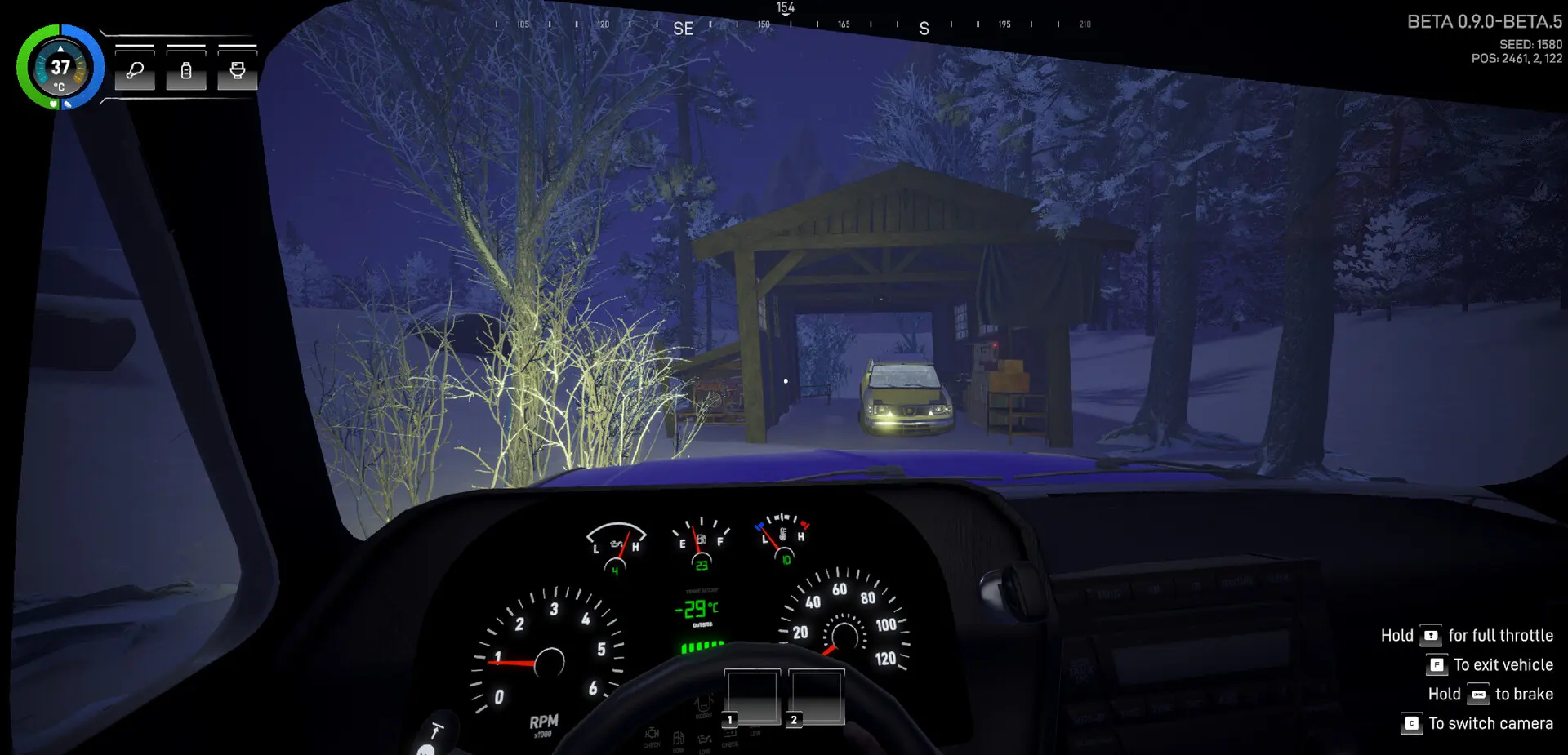
File contents
These are the official Steam system requirements for Arctic Drive, checked on November 7, 2026. They can change before launch or during Early Access. The demo is a separate Steam app; always check its own store page before downloading.
Official PC specifications
| Component | Minimum | Recommended |
|---|---|---|
| OS | Windows 10/11 (64-bit) | Windows 10/11 (64-bit) |
| Processor | Intel Core i5-6600 @ 3.1 GHz or AMD R5 1600X @ 3.5 GHz or equivalent | Intel Core i5-10400 @ 3.1 GHz or AMD Ryzen 5 2600X @ 3.1 GHz |
| Memory | 4 GB RAM | 8 GB RAM |
| Graphics | NVIDIA GeForce GTX 1650 or equivalent | NVIDIA GeForce RTX 3060 or equivalent |
| DirectX | Version 11 | Version 11 |
| Network | Broadband Internet connection | Broadband Internet connection |
| Storage | 15 GB available space | 15 GB available space |
The table is reproduced from the Steam listing. Note that the recommended CPU is an Intel Core i5-10400 or AMD Ryzen 5 2600X, and the recommended GPU is an NVIDIA GeForce RTX 3060 or equivalent. The minimum and recommended storage figures are both 15 GB. A broadband internet connection is listed for both.
What the specs mean
- The GPU gap is large. A GTX 1650 is a modest 1080p card; an RTX 3060 is a significant step up. If you are near the minimum, expect to lower settings and accept a lower frame rate, especially in storms or dense forest.
- 4 GB RAM is a floor, not a comfort zone. The recommended 8 GB is a better target for a game with a large procedural world, physical objects and multiplayer networking.
- 15 GB is small by modern standards. That is the listed requirement, not a guarantee of final install size. Leave more free space for patches and shader caches.
- DirectX 11 keeps the barrier low. The game does not require DirectX 12 or ray tracing, which is consistent with the modest minimum GPU.
- Broadband is listed for a reason. Online co-op is a core feature; the store page does not document an offline mode in detail.
How to check your PC
- Windows Settings → System → About for your processor and installed RAM.
- Task Manager → Performance → GPU for your graphics card model and dedicated memory.
- Windows Settings → System → Storage for free space. Keep more than 15 GB free for the game and updates.
- Run
dxdiagfrom the Start menu for a full summary you can save and compare with the table. - Check your power plan and drivers. A laptop on battery saver can underperform a desktop with the same GPU.
Steam Deck status
Steam does not show a Steam Deck compatibility rating for Arctic Drive at the time of writing. The game lists Windows as its supported operating system, and the store does not list a separate Linux/Proton status. Do not assume Steam Deck Verified status. If Valve rates it later, the rating will appear on the store page.
The demo is a separate app. If you want to test performance on a handheld or a low-end PC, the demo is the lowest-risk way to do it.
Performance settings
Demo v0.19.2 added several performance improvements and exposed atmosphere graphics settings. The patch notes mention texture streaming, better compression, GPU instancing and optimized assets, plus a fix for refresh-rate inconsistencies. The exact menu options are not published in a screenshot, so we cannot give a full settings guide yet.
General advice for a machine near the minimum spec:
- Start at 1080p and lower the atmosphere/weather quality first.
- Reduce texture streaming only if you have limited VRAM; it may cause pop-in.
- Cap the frame rate to a stable target instead of chasing an unstable peak.
- Test in a storm and in a forest, not just in the starting garage. Those are the expensive scenes.
Xbox and demo notes
No Xbox performance targets or resolution/frame-rate modes have been published. Xbox Game Preview is confirmed as a platform, but the store listing and technical details are not available in the materials we checked.
The demo is a separate Steam app (4601500) and is free. Its system requirements may differ from the full game, and the demo has been patched repeatedly. Use the demo page’s own requirements panel.
- Minimum target: 1080p, low-to-medium settings, 30–60 fps. This is an expectation, not a measured result.
- Recommended target: 1080p/1440p, medium-to-high settings. Also an expectation, not a benchmark.
- Unknown: 4K performance, ray tracing (not listed), ultrawide support and VRAM behavior.
Sources & verification
Checked November 7, 2026We link to the primary source for each factual claim. Store pages and developer announcements can change after publication; the access date records what we saw.
- 01Arctic Drive on Steam
Valve / Bonus Stage Publishing · Official store page
Release date, features, Early Access statement, system requirements, languages, categories and screenshots.
- 02Arctic Drive Demo on Steam
Valve / Bonus Stage Publishing · Official store page
Demo app released October 8, 2026.
- 03Arctic Drive is in the Top 50 of most-played demos last Next Fest + v0.19.2!
Pebbles Games / PlayTogether Studio · October 27, 2026 · Developer announcement
Demo v0.19.2 additions and fixes, including revival kits for 2–4 player groups.
- 04New DEMO patch v0.18.0 is live!
Pebbles Games / PlayTogether Studio · October 10, 2026 · Developer announcement
Found a source that has changed or an error? Send a correction.
Spotted an error? Send the primary source and we will check it.
Send a correction